
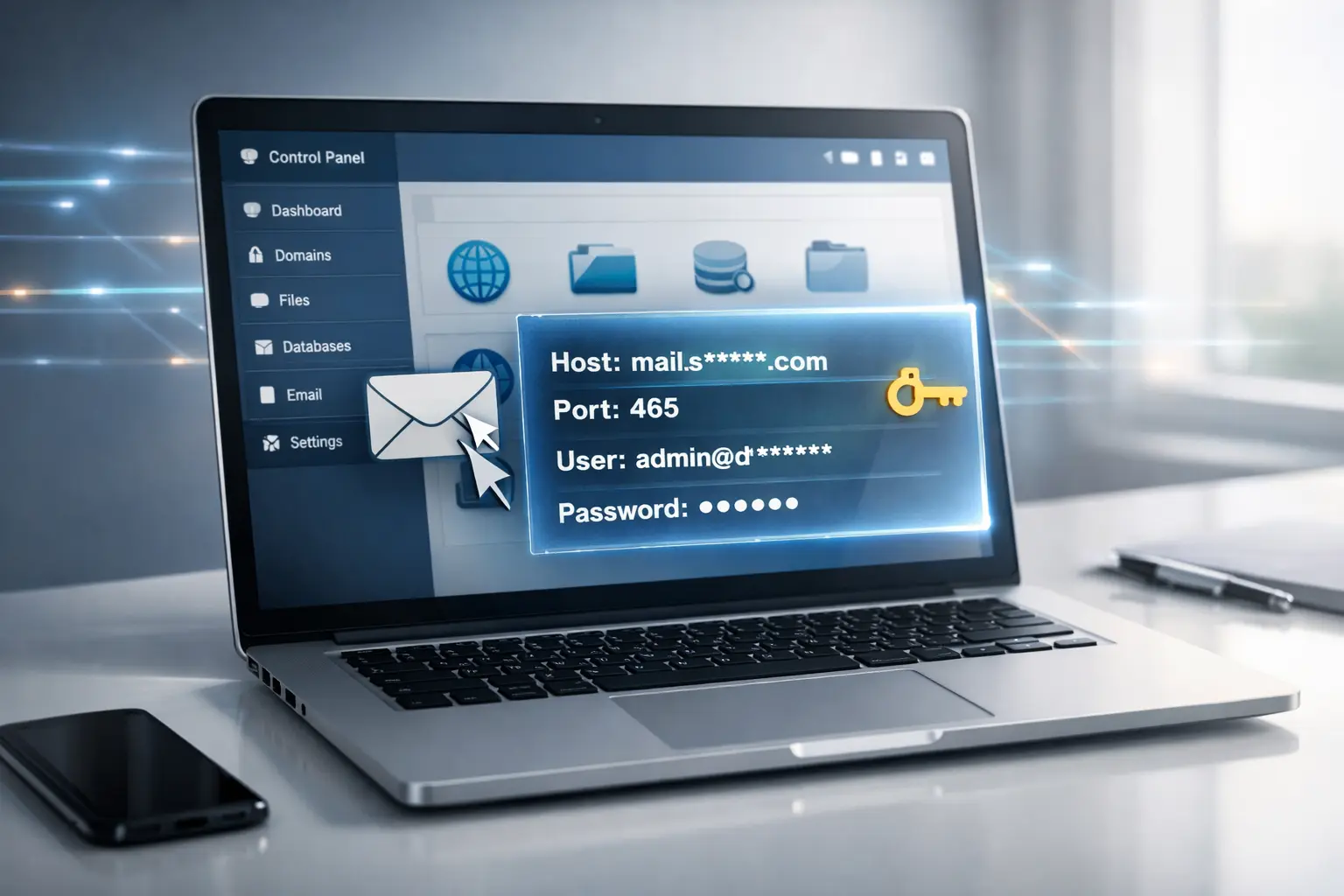
The Problem: Many users struggle to find their outgoing mail server details after creating a domain in xPanel. Without these SMTP credentials, you can't connect your email to external apps, CRMs, or Laravel `.env` files.
Step-by-Step Guide
- Log in to xPanel: Access your dashboard via your hosting provider.
- Open the Mail Section: Locate the "Mail" icon in your main dashboard menu.
- Hover for Options: Find your domain name in the list. Hover your mouse over the row; 7 hidden icons will appear.
- Click the Plus (+) Icon: Select the first icon on the left (the
+symbol) to Add Mail Account. - Retrieve Credentials: After adding the account, look at the top-right corner of that specific account interface. Your SMTP Host, Port, and Username will be displayed there.
Pro Tip: Port 465 vs 587
Port 465 (SSL)
Best for modern apps. Encrypts the connection immediately. Recommended for Laravel.
Port 587 (TLS)
A "STARTTLS" port. Starts plain and upgrades to secure. Use this if 465 is blocked by your ISP.
Login or create account to leave comments
Comments (0)